How it works
Three simple stages, from your first booking to the feedback that follows. Pick a stage to see exactly what to expect.
Not sure yet? You can book a free, no-obligation consultation to chat through your child's needs before signing up.
Book your first session in minutes
No phone tag, no waiting for a reply. Create an account and have a session in the diary in a few minutes.
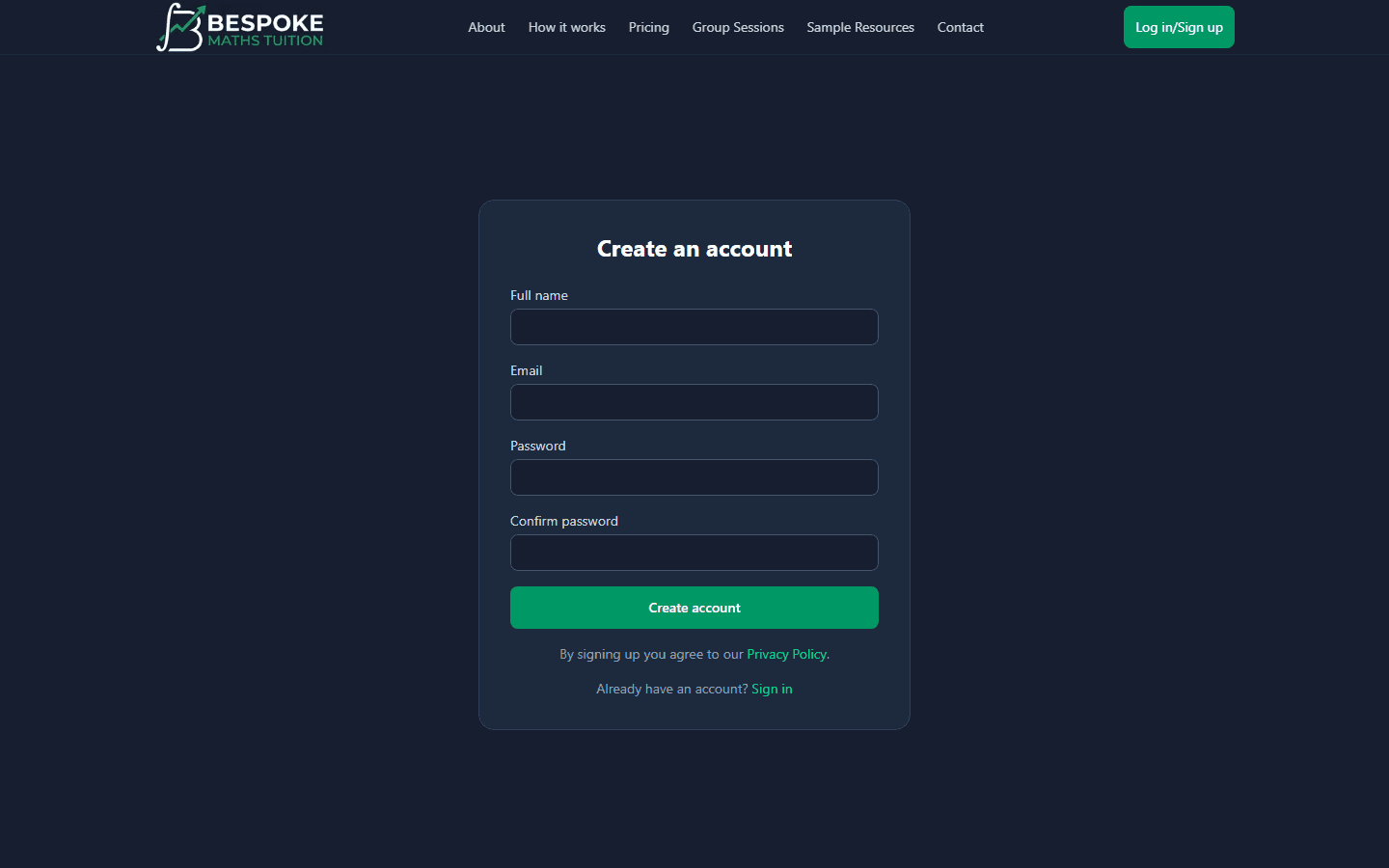
Create your account
Just your name and email to get started. You'll get a confirmation link, and once that's verified you're ready to book — there's no compulsory call or assessment to sit through first.
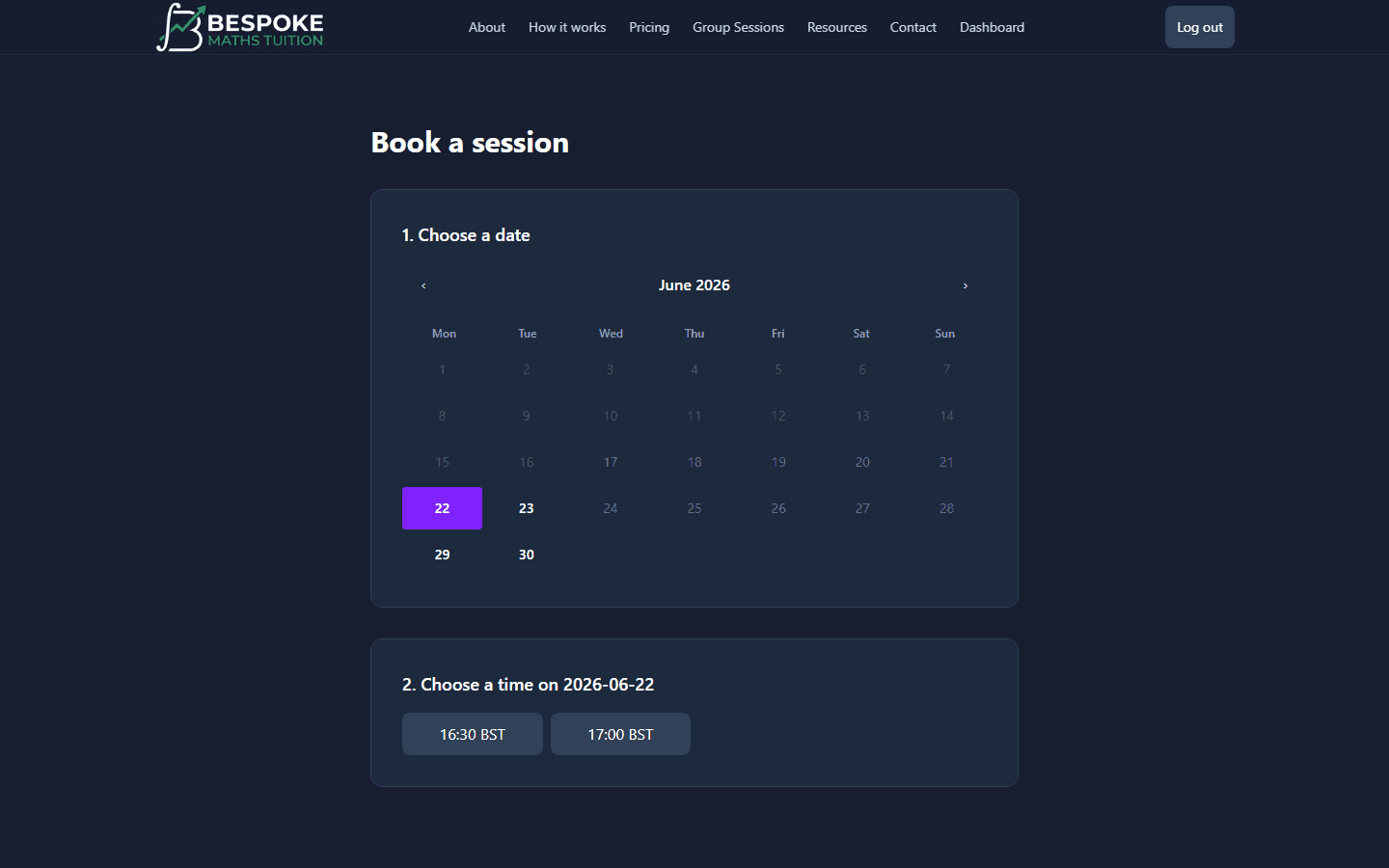
Pick a time that actually suits you
Open the booking page, choose a date, then pick from the time slots on offer. You only ever see times when the tutor is genuinely free, so there is no back-and-forth to find a slot. Sessions run for an hour, with start times every half hour.
Pay your way — or use credits
Choose which child the session is for, confirm the subject, and add a note for the tutor if you'd like. Then pay securely by card, or tap “Use session credit” if you've bought a bundle — credits work out cheaper and save re-entering card details each time. Your confirmation lands instantly.
Session booked!
A confirmation email is on its way.
Prefer a small-group setting? Browse Group Sessions for scheduled courses at a lower per-seat price.
What you'll need
Getting set up is simple — chances are you already have everything. Here's what helps your child get the most out of each session.
A microphone
EssentialSo your child can talk things through with their tutor. Most laptops, tablets and phones already have one built in.
A screen
EssentialA phone screen works fine, but a laptop or desktop gives the best experience with the shared whiteboard and worksheets.
Pen & paper
EssentialKeep a pen and some paper handy for jotting down working and trying problems alongside the tutor.
A writing tablet
Nice to haveA graphics or writing tablet is ideal for writing maths straight onto the whiteboard — lovely to have, but not essential.